
I remember the specific smell of fresh thermal paste and the hum of anticipation as I prepared to upgrade my workstation. I’d just snagged what I thought was a legendary deal on Amazon: a 2TB high-performance NVMe drive for nearly half the retail price. It looked perfect in the box. The branding was crisp, the holographic sticker shimmered, and it even had that ‘new tech’ scent. But the moment I started moving my video projects over, the excitement died. The transfer speed plummeted from a promised 5,000MB/s to a pathetic 15MB/s—slower than a dusty thumb drive from 2008. I had been duped. I’ve spent years hunting for the top laptop deals in 2025, but this experience taught me that even the most seasoned builders can get blinded by a low price tag. Today, I’m going to walk you through the exact red flags I missed so you don’t have to feel that gut-punch of realization after the return window closes.
Look Beyond the Sticker and the Price Tag
When you are browsing for must-have laptop accessories, the storage drive is often the most expensive component, which makes it a prime target for fraudsters. These scammers aren’t just selling ‘off-brand’ tech; they are meticulously re-labeling cheap, low-capacity SATA drives to look like high-end NVMe sticks. I’ve seen 64GB drives masked as 4TB monsters. It’s a sophisticated shell game that plays on our desire for a bargain. [IMAGE_PLACEHOLDER]
Could Your Brand New Drive Actually Be a Decoy?
You might be thinking, ‘It’s Amazon, surely they vet their sellers?’ Well, that’s where the danger lies. According to an investigative report by The Verge, Amazon’s ‘commingled inventory’ system means that a counterfeit drive from a shady third-party seller can end up in the same bin as genuine stock from a reputable vendor. When you order, the picker just grabs the nearest one. This is very similar to the risks we see when trying to figure out how to spot a fake SSD in a used laptop listing. The difference between consumer and enterprise grade SSDs becomes irrelevant if the hardware inside doesn’t match the label on the outside. My big mistake was trusting the box more than the benchmarks. I didn’t verify the controller or the NAND flash before migrating my data. Don’t be like me. Have you ever opened an Amazon package only to find something that looked just a little bit ‘off’? Drop a comment below and let me know, because I’m starting to think this happens way more than we realize.
Start with a Visual Forensics Kit
To avoid the trap I fell into, you need to treat every new component like it is a suspect in a lineup. Think of a fake SSD as a designer bag sold on a street corner; it might look right from five feet away, but the stitching tells the truth. Before you even think about installing it into one of your business laptops for professionals, look at the regulatory logos. Scammers often mess up the tiny FCC or CE icons. On my failed 2TB drive, the ‘CE’ logo was spaced slightly too wide. It is a tiny detail, but manufacturers spend millions on branding consistency—they do not make typos on their hardware.
Peel Back the Stickers if You Dare
In many cases, the giveaway is literally hidden. I once helped a friend who had bought a Samsung drive that was performing like a snail. We carefully lifted a corner of the sticker and found the controller chip underneath was not a Samsung Phoenix; it was a generic Silicon Motion chip from a drive worth a quarter of the price. If you are worried about how to check if your used laptop still has a manufacturer warranty, be careful with this step, but on a suspected fake, that sticker is already a lie. 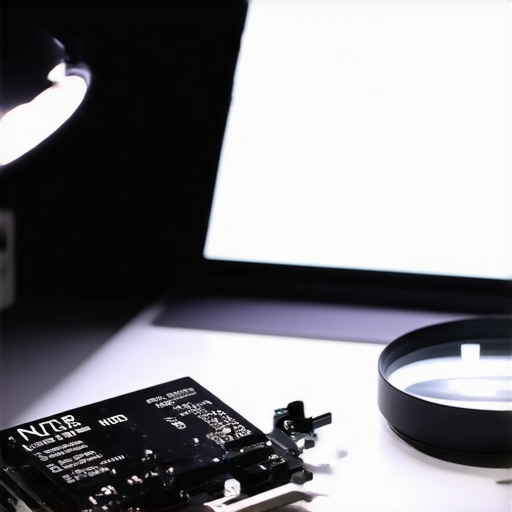
Use Software to Peer Inside the Controller
Once the physical inspection is done, plug it in and immediately fire up CrystalDiskInfo. This tool is the polygraph test of the storage world. It reads the S.M.A.R.T. data directly from the drive firmware. A genuine drive will show a zero for Total Host Writes and Power On Count if it is brand new. My Amazon deal drive arrived with 400 hours already on the clock. It was not just a fake; it was a refurbished piece of junk. This kind of verification is just as vital as knowing how to test a used laptop for liquid damage before you buy.
The 50GB File Transfer That Exposes Fakes
Here is where the rubber meets the road. Scammers use a trick called faked capacity. They program a 64GB drive to tell Windows it has 2TB. Everything looks fine until you cross that 64GB threshold. At that point, the drive starts overwriting old data or just crashes. To test this, grab a massive folder—maybe your video library or a collection of ISOs—and move it. If the speed drops from 3,000MB/s to 10MB/s after a few minutes, you have been had. This is why the best way to organize your external drives for fast editing always starts with a speed verification. I remember sitting there watching a progress bar estimate three days remaining for a simple file move, and that is when I knew I had to start the return process.
Check the NAND Flash and Controller Mismatch
If you want to go full tech detective, use a utility like Flash ID by Valery Malich. It can identify the specific NAND flash chips inside the drive. If the box says SLC or TLC but the software reports cheap QLC chips, you are not getting what you paid for. High-end game-changing gaming laptops for serious players in 2025 depend on that NAND quality for longevity. When I checked my drive, the software revealed it was using recycled chips from old smartphone parts. It was a Frankenstein’s monster of tech. Understanding these nuances is as important as realizing why 8gb of ram is no longer enough for modern browsing; if the foundation is weak, the whole system will eventually fail you.
Stop Trusting the Factory Seal
One of the biggest myths I encounter in the tech world is the belief that a ‘factory-sealed’ box is a guarantee of authenticity. Most people assume that if they are hunting for top laptop deals in 2025, a shrink-wrapped box means the internals are pristine. In my experience, this is the most dangerous ‘oops’ factor. I’ve seen sophisticated operations where scammers use professional-grade heat guns and custom-printed security tape to reseal units after swapping out the high-performance NVMe for a generic 128GB SATA drive. They count on you being so relieved that the box looks ‘new’ that you skip the internal validation. Even when looking at business laptops for professionals, the assumption of safety is a trap. The Anti-Counterfeiting Forum has reported that counterfeit electronic components have infiltrated even the most ‘secure’ supply chains, proving that a shiny box is just cardboard and plastic, not a certificate of trust.
Is Your Firmware Actually Lying to Your OS?
This is where the nuance gets really dark. You might think your operating system is the ultimate source of truth, but Windows and macOS only know what the drive’s firmware tells them. Advanced scammers now use custom firmware to spoof the device ID. This means when you check the Device Manager, it will proudly display ‘Samsung 990 Pro’ even if the silicon underneath is a decade old. This is a level of deception that goes far beyond how to spot a fake SSD in a used laptop listing. To catch this, you need to look for ‘Firmware Revision’ numbers and cross-reference them with the manufacturer’s official database. If the version number doesn’t exist or belongs to a different model, you’ve found the smoking gun. 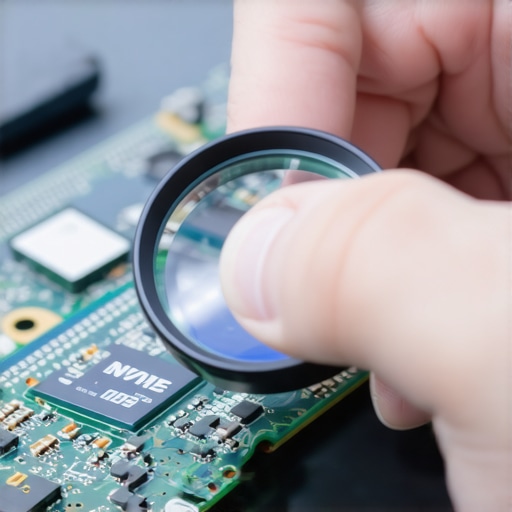
The Real Danger of the Pro Label
Everyone tells you to buy ‘Enterprise’ because it’s more durable. While the real difference between consumer and enterprise grade SSDs usually comes down to Power Loss Protection (PLP) and higher DWPD (Drive Writes Per Day) ratings, scammers use these buzzwords to justify a higher price for their fakes. They know that a professional user is more likely to pay a premium without questioning a slight performance dip, attributing it to ‘encryption overhead.’ If you are going to secure your laptop SSD with BitLocker without losing speed, you need to be 100% certain the controller can handle the hardware-level encryption. A fake drive will offload this to your CPU, turning your high-end workstation into a stuttering mess. I’ve even seen cases where people try to replace your laptop thermal paste without breaking anything, only to realize the heat was never a paste issue—it was a counterfeit controller running at 90 degrees Celsius because it was never designed for NVMe speeds. Have you ever fallen into this trap or noticed your ‘high-end’ gear acting suspiciously slow? Let me know in the comments, because the more we share these stories, the harder it gets for these scammers to hide.After getting burned by that Amazon deal, I stopped relying solely on software benchmarks and started getting my hands dirty. I realized that keeping your tech healthy is as much about the physical gear as it is the software. I’ve found that having the specific screwdriver kit you need to open 90 of modern laptops is the most important investment for any enthusiast. You need to be able to physically inspect the thermal pads and the controller markings to ensure they haven’t been swapped by a reseller. According to technical documentation from Western Digital regarding SSD performance, the controller’s ability to manage ‘write amplification’ is what separates a high-performance drive from a generic counterfeit that will fail within months.
How do I maintain my laptop storage performance over the long haul?
It isn’t just about spotting fakes; it is about preventing your genuine hardware from slowing down. Once you’ve verified you have a real drive, you need to manage its health through software and hygiene. I personally run a manual TRIM command once a month and keep my drive capacity below 80%. Research from NAND flash manufacturers like Crucial shows that exceeding 80% capacity significantly increases wear-leveling stress, which kills your drive’s lifespan. This level of care is especially vital for student laptops that boost productivity and learning, where a sudden drive failure could mean losing a semester’s worth of work. I also suggest you calibrate your laptop battery for better accuracy while you are at it; a healthy power delivery system prevents voltage ripples that can corrupt your data during high-speed transfers. 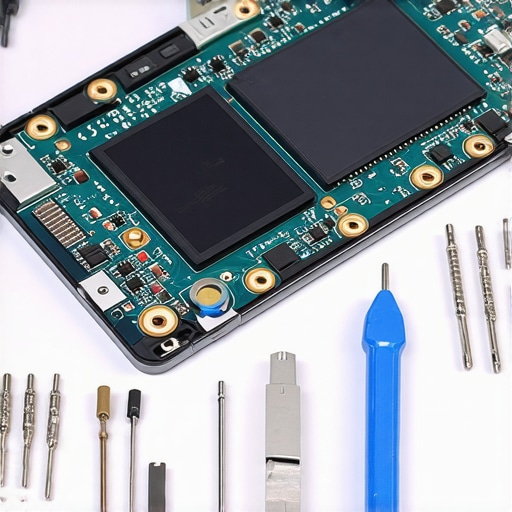
Stop trusting your drive’s out-of-the-box settings
The most advanced tip I can give you is to use the manufacturer’s proprietary management software—like Samsung Magician or WD Dashboard—rather than just the generic Windows drivers. These tools can perform ‘Secure Erases’ that reset the NAND cells to a factory-fresh state without the wear and tear of a standard format. I used this method when I needed to find the best way to port your files to a new student laptop without cloud storage, and the speed difference was night and day. If you are serious about your setup, these utilities aren’t just must-have laptop accessories; they are essential protocols for long-term reliability. Looking ahead, I predict we will see a rise in hardware-level attestation. Tech giants are already developing ‘Silicon Root of Trust’ technologies that will make it nearly impossible for a fake component to even communicate with a motherboard. Until that becomes the standard in all the top laptop deals in 2025, you are the only firewall between your data and a scammer’s bank account. I challenge you to download a tool like HWiNFO64 tonight and check the ‘Drive Remaining Life’ percentage on your main workstation. If it’s already below 90% and you’ve only had the machine for a year, it’s time to start asking some serious questions.
Hard-Won Truths from My Own Storage Disaster
Looking back at my failed upgrade, the biggest lesson I learned is that speed is a better indicator of health than a sticker. A fake drive can lie to your eyes, but it cannot lie to the stopwatch. I’ve realized that the best way to avoid being scammed is to verify the drive before you even migrate a single document. If you are hunting for top laptop deals in 2025, remember that a price that looks too good to be true is almost always a signal to look closer. I now make it a rule to weigh every high-end NVMe drive I buy; genuine units have a specific heft from their high-density NAND and heat spreaders that the hollow clones simply can’t replicate. This level of scrutiny is just as important as knowing how to spot a fake SSD in a used laptop listing. One lightbulb moment for me was realizing that legitimate manufacturers almost always include a QR code on the PCB itself that links directly to a verification page—scammers rarely go that far. [IMAGE_PLACEHOLDER]
The Only Tools I Use Before Installing a New Drive
To ensure your system stays stable, you need a specialized toolkit for both hardware and software. I never start a build without the specific screwdriver kit you need to open 90 of modern laptops, allowing me to check the physical controller markings. On the software side, I trust CrystalDiskInfo for initial SMART data and H2testw for capacity verification. These tools are far more effective than any visual inspection. If you are setting up student laptops that boost productivity and learning, these checks are non-negotiable to prevent data loss mid-semester. I also highly recommend keeping a dedicated ‘burn-in’ external enclosure as part of your must-have laptop accessories. This allows you to test the drive on a secondary machine before it ever touches your primary OS.
Build Your Next Rig with Absolute Confidence
The world of hardware is evolving quickly, and while scammers are getting smarter, so are we. Don’t let the fear of a counterfeit drive stop you from chasing the top laptop deals in 2025. By taking ten minutes to run a benchmark and verify the firmware version, you are protecting your digital life and ensuring your hardware lasts for years. You have the tools, the knowledge, and the forensic mindset needed to build a machine that is as fast as it is reliable. Have you ever found a component that didn’t match the specs on the box? Let me know your story in the comments below!